

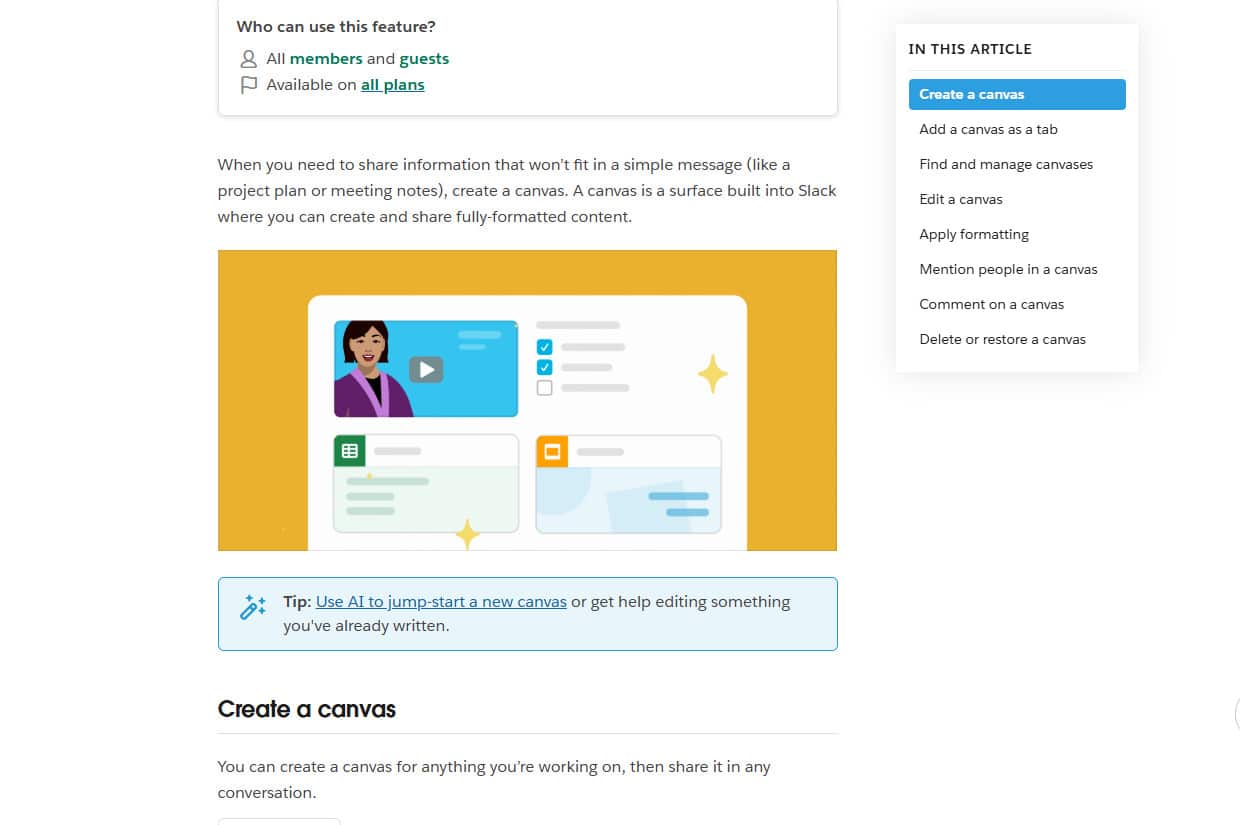
A couple of teammates showed me Slack Canvas. The experience included ephemeral markdown docs, pinned to shared channels, aiding in async coordination with clients an ocean away.
At Atomic, engagements run for a few months to a year. To ensure the project stays on course. We often rely on various project management tools. This information-sharing stack has been effective on an async-heavy project.
Using Canvas Docs
Having a specific tool responsible for each layer. Jira for roadmaps, GitHub for CI/CD and source control. But with big timezone differences, there exists a gap between strategic planning and daily execution.
Canvas fills that gap. Having all client comms in one spot is really nice to have when there’s not much overlap in our workdays.
These three layers keep us aligned:
- Jira for roadmaps
- GitHub for code and automation
- Slack Canvas for daily coordination and Canvas docs
Jira: Strategic Layer
The roadmap forces value thinking, not ticket thinking. If we’re building a chat agent, the roadmap has one initiative: ‘Add Chat Agent,’ with threads like API, evals, performance, and UI stories sized for the effort required.
It moves slowly on purpose. An evolving narrative that helps us stay aligned. Routine ceremonies around strategy helps track if are we drifting or moving toward the goal?
GitHub: Tactical Layer
Once a roadmap item moves into engineering, it enters GitHub. Intent turns into outcomes. Roadmap items land in PRs. Once merged, automated workflows run to deploy the unit of work.
Tradeoffs happen in comments. Commits and logs keep work visible right next to the code.
Slack Canvas: Operations Layer
Canvas sits at the point of contact: lightweight to-dos, decisions, and notes living next to the conversation. Crunch time is when coordination and accountability matter most.
Slack is our primary communication platform at Atomic. Canvas is exactly what this layer needed.
A Canvas document looks like:
- – [x] Fix npm deps breaking CI (#421)
- – [ ] Verify new SVGs with client (assets/@brand)
- – [ ] Enable analytics for feature X (PR #874)
It’s intentionally ephemeral. Items become ‘done’ and scroll off. The canvas stays light and current.
Canvas is the client-visible plan of record. What matters today is pinned, scannable, always up to date. That creates accountability: the team commits in public; the client tracks progress without asking between meetings or hopping between multiple apps to piece together the value added. And, it keeps priorities in check.
Purpose
Each layer serves a distinct purpose:
| Layer | Tool | Purpose |
|---|---|---|
| Strategic | Jira | Define direction, measure outcomes, and communicate value. |
| Tactical | GitHub | Translate requirements into implementation, track progress, review code, share technical knowledge, and automate repeated tasks like deployments. |
| Operational | Slack Canvas | Capture immediate tasks, align daily priorities, and enable async client communication. |
Final Thoughts
Sometimes one tool can’t do strategy, code, and ops. Sometimes you need to use the right tool for the right layer.
Jira keeps us aligned. GitHub keeps us shipping. Canvas keeps us coordinated. Especially when it’s crunch time.