

As a Junior Developer who is just starting out, I never really got to witness the world of Software design without virtual backlog management. I often hear about the boards filled with sticky notes as the backlog stand-in, but I always just assumed that since we don’t do it anymore, it must be inefficient and costly. However, when the project I was working on, Gripfusion, had a huge app redesign and refactor, the team wondered about the best way to help us get so much done in two months effectively.
Context
The app designs were approved by the client and were ready to be mocked out. However, with a huge firmware change coming, we had to redo a lot of how the app worked, meaning there would have to be multiple streams of work, one for just design and one for just restoring the Bluetooth functionality to the app. It became clear that it was going to be hard to keep track of what in the app would be usable, was being worked on, had only visual designs, or only had functionality.
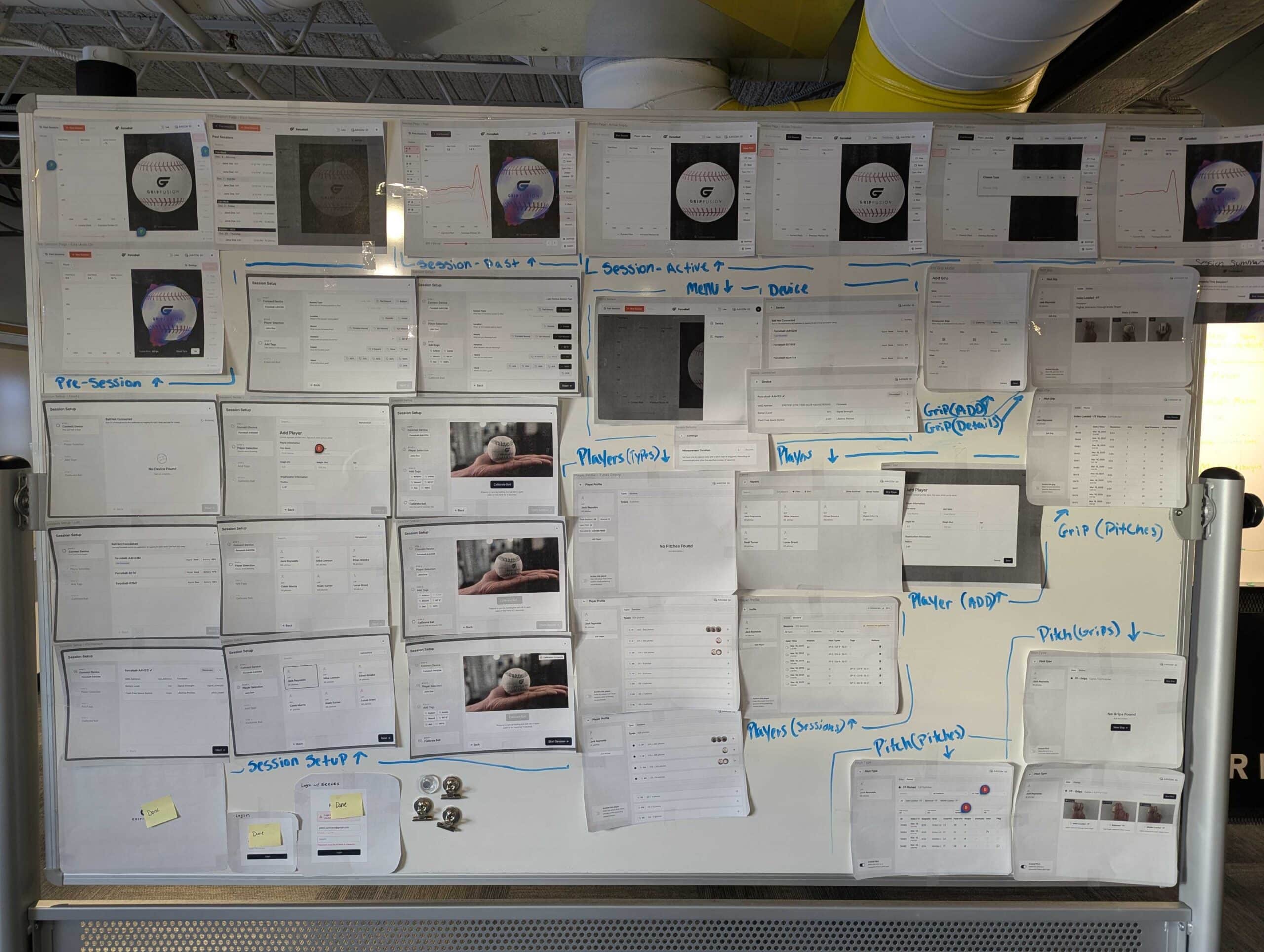
While the backlog worked, it took time to sift through what was in there quickly, let alone explain to someone who wasn’t deep in the weeds. The Team came up with the idea to go old school to help keep track of the app refactor. We printed out all the Figma designs and taped them to a whiteboard. We utilized different colored and labeled sticky notes to keep track of the progress of that designed page. By being able to see the Figma designs and to see their current progress, it provided the team a lot more value than expected. It was able to keep track of which pages had the functionality behind them, while some pages were only designed in Storybook.
It was nice to take part of the old software world and use an actual whiteboard to track our work. It’s true that the Linear backlog we utilized was still extremely vital to the project, and none of it could have been done without Figma. But having a physical copy of what was inside Linear and inside Figma allowed us to make sure stories weren’t being missed.
Value #1: Improved Understanding
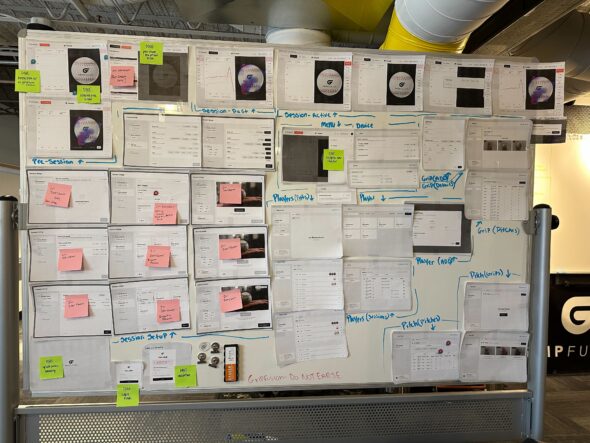
Sometimes a backlog can be overwhelming, especially when there are hundreds of stories. Having the visuals on the whiteboard made it easier to understand where a story was coming from or what was being worked on.
It was also a sanity check that you understood what a story meant. Oftentimes, when putting up the sticky note, you’d have to recall where it belonged. Sometimes you’d realize it’s not just in one place, or that the thing you are making could be used somewhere else, and it helped make clear what should be abstracted out versus specialized. It also helped others know where we were at and what a story meant as we would write the name of the story on the sticky note.
“The whiteboard made it easy to have conversations about progress on the roadmap in a tangible way. Sometimes, looking at pictures is much easier to wrap your head around than looking at a backlog’s list of stories.”
– Renee Liken, Delivery Lead
Value #2: Constant Visibility
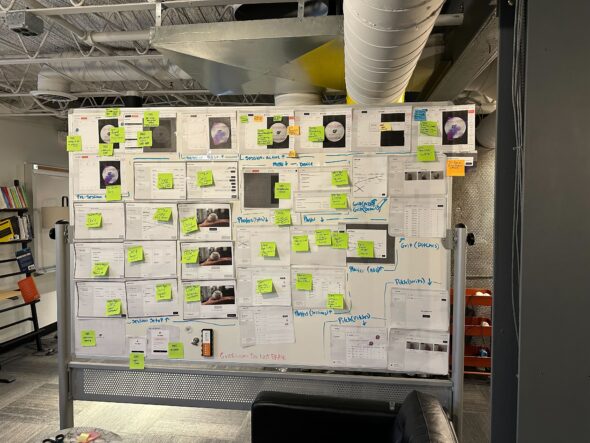
Something about virtual tools that physical tools will always have the upper hand on is that they are there. This whiteboard allowed the team to gain context even when they weren’t looking at it.
You’d come in and be able to see out of the corner of your eye that there was more green, orange, or blue, and by that, you’d be able to just know that there was progress being made or that you should check the PR list.
“For me the biggest value is it’s something that’s in your face all the time so whenever you got to the office, you were able to glance at it and take a look at our progress and see where we’re at was nice to have a non-digital version available for the team to unite around”
– Bryan Elkus, Designer
Value #3: Improved Team Morale
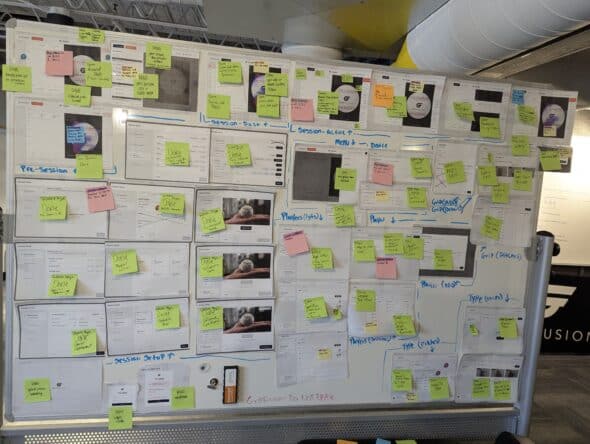
One of the values the whiteboard provided was that it made it easier to see the wins the team was achieving. Being able to visibly see each state and page of the app made it easy to note and celebrate even the small stories getting done. That’s because they, too, got a green sticky note when they were done.
One of my favorite things when we were using the whiteboard was that when you finished a frustrating story, you got to take a beat to write DONE on a sticky note and take the In Review one down, crumple it up, and proudly display the done sticky note. It was a great way to take a second to appreciate the work being done before moving on to the next story that needed to be done.
Value #4: Effortless Updates
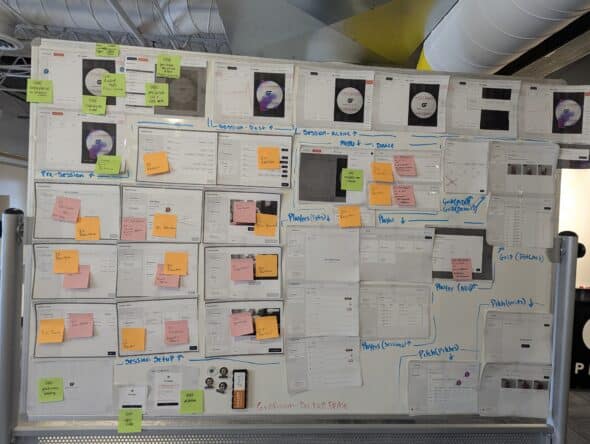
On our team, both our designer and delivery lead were on other projects in our office. That meant they were often balancing multiple plans, stories, and meetings, and often didn’t have time to do a full dive into our backlog.
Not only that, our client was balancing efforts with a firmware team and a hardware team. So, while he was co-located in our office, he often didn’t have the time to fully dive into our process unless we were in a meeting where that was relevant. The whiteboard provided those updates or check-ins without interrupting dev time or without the client having to ask as many questions. Being able to see what was in progress, in review, or done quickly was very valuable as the team grew busier.
“In our case, the physical board gave me peace of mind that our co-located clients could easily see our tracked progress at a glance and on a regular basis. Before it was set up, I would have to worry about whether they would actually keep up with our backlog.”
– Patrick Pale, Tech Lead
Value #5: Public Facing Accountability
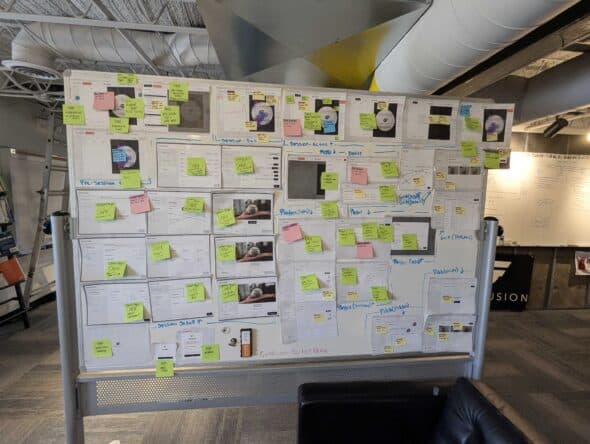
As the Gripfusion team grew and we gained more people on the client side, the whiteboard made it easier to catch people up on what was happening with the project, where we were in the project, what you should have soon, what should be tested, etc. Having such a prominent tool gave the developer team clear accountability because we could point at an image and say, “This will be done this week” without getting lost in technical jargon, making the goal clear.
Moreso, it made it easier for others to ask about progress or issues with the app, being able to say, “I see here that this is marked as done. However it’s not behaving as I expected.” That makes it easier than having to open the backlog, find the developer’s story, check the progress, and then bring it to the developers.
“I liked it because it makes the concepts the teams are talking about visible in a way that’s public and open that gives accountability to everyone and to see progress in a tangible way.”
– Mason Ferlic, Gripfusion Co-founder + CEO
Wrapping Up
While in-person tools may not work for every project, the whiteboard proved vital for our project. It got the whole team involved, excited, and on the same page. While we also would not have been successful without well-defined stories and processes with our virtual backlog tool, I think combining the two proved to be surprisingly useful to our team.
I will concede that it was sometimes hard to remember to update, and that we didn’t use it every day. However, the fact that the goal that we were working toward was so clearly and proudly displayed helped with Visibility, Accountability, Morale, Understanding, and updates. I would highly recommend that any team that gets the chance to create a physical backlog tool for the team to use should do it.