

Early this year, I was on a project that required prototyping various ideas that were being gathered during the user research phase. I needed a tech stack that allowed me to quickly build and test ideas in the browser. I needed something quicker and more robust than HTML and CSS, but not something as heavy as Rails.
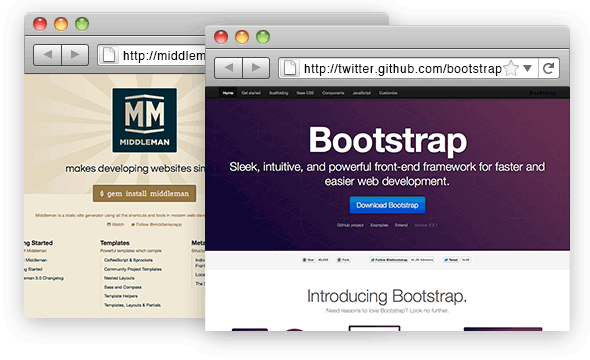
I chose Middleman and Bootstrap. Here’s why.
Middleman allowed me to:
- Quickly generate a static Web site using my preferred markup, HAML and LESS.
- Easily deploy to Heroku.
- Quickly repeat blocks of content without duplicating markup.
- Save and refresh development – nearly live preview.
Bootstrap allowed me to:
- Delegate underlying design decisions such as grid and typography.
- Leverage an existing UI library.
- Work in a documented frontend framework.
- Quickly consider screen size constraints.
Between these two workhorses, I was able to work independently from developers, which drastically decreased turn around time.
As a designer, I think it’s important to be able to prototype in the browser. Paper prototypes are great for a high level of understanding, but they can’t inform you on how a user interacts with a screen, mouse, or touch interface.
What do you use for prototyping?
I’ve been working with these tools together for a while now. They are perfect for testing out ideas, working on the UI flow and selling your ideas to the rest of the team.
A clickable prototype speaks 10,000 words :).