

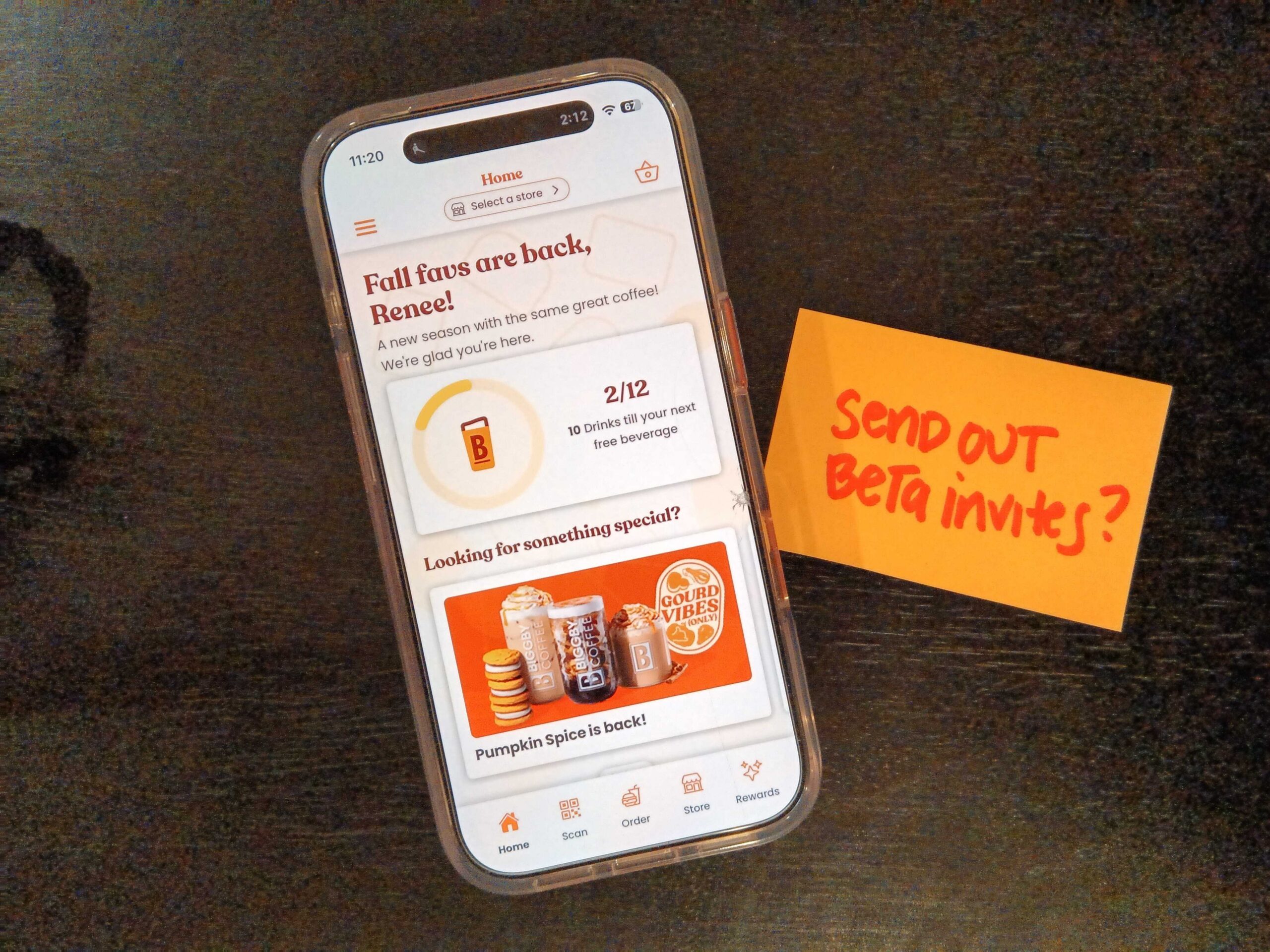
Article summary
- Keep the customer ask embarrassingly small.
- Recruit fewer people than you think, and incentivize them.
- iOS and Android users deserve their own onboarding flows.
- Give impacted stakeholders a heads-up about the beta.
- Schedule a follow-up survey for the morning after.
- Turn your first beta into a template for the next one.
- The Beta Checklist
Earlier this year, our team shipped two mobile app features for BIGGBY® COFFEE that both touch real money: applying loyalty rewards to an order at checkout, and adding a tip when you pay. These are exactly the kinds of features you don’t want customers discovering bugs in via one-star reviews. So before each one released to the whole world, we ran a small beta with real customers — one in May for reward redemption, one in July for tipping.
The mechanics of the distribution side of beta testing a mobile app are relatively straightforward — TestFlight, Google Play testing tracks, all the developer-console mechanics. Jordan’s post on preparing for a successful mobile app release is a good primer there (one heads-up: Google has since renamed its alpha and beta tracks to internal, closed, and open testing, but the TestFlight half still holds up). However, it’s not always as clear-cut what a delivery lead or product manager does to turn a build story from “we pushed a beta” into “twenty real customers used the feature, told us what confused them, and answered a survey about it.”
Keep the customer ask embarrassingly small.
Each beta had one feature under test, a one-week window, and a two-sentence ask. We requested they place at least two mobile orders the week of the beta, and use the new feature as part of each order.
It was definitely tempting to bundle more feedback requests in, because we always have a backlog of things we’d love feedback on! But a focused ask keeps the feedback signal clean and it keeps the commitment small enough that busy people actually follow through. We also asked testers to screenshot or screen-record anything that felt off and email it to a dedicated beta inbox. We were intentional about framing what kind of feedback we wanted: “even a quick note like ‘this felt confusing’ is helpful!” gave people permission to send imperfect, low-effort feedback.
Recruit fewer people than you think, and incentivize them.
Our loyalty reward redemption beta had fewer than 20 customers, which might seem uncomfortably small for a user base with hundreds of thousands of customers. This was strategic on our part, though. By focusing our ask, we were able to surface big problems fast with a handful of engaged testers. If we’d had a hundred lukewarm testers, we’d be lucky to hear any feedback at all.
We also compensated people for their time, proportionate to what we were asking them to do. For the rewards beta, we loaded two free drink rewards into each tester’s account to enable testers to more easily redeem a reward and test the feature. For the tipping beta, we added $25 in credit to each tester’s BIGGBY card because that was enough to comfortably cover a few orders plus the tips we were asking them to leave.
We explicitly wrote guardrails into the beta invites to ensure that we’d get the kind of feedback we needed. Because a rewards beta tester who checked out at the store counter could accidentally burn one of their beta rewards on an in-person order, we explicitly asked them to place mobile orders only during the beta period. Setting these expectations for beta testers early in the process allowed us to prevent a week of confusing data.
iOS and Android users deserve their own onboarding flows.
The invite process was our biggest surprise the first time through. We drafted one invite email, and quickly realized we needed two. An iPhone tester needs to watch for a TestFlight invitation from [email protected] (which often lands in spam), install the TestFlight app, accept the invite, and then install the beta app. An Android tester needs to watch for a Google Play testing invite that comes from an individual sender they won’t recognize (which can also land in spam), follow the link to opt in to the testing program, and then find the beta version of the app in the Google Play Store themselves.
If we had sent one generic email that tried to cover both platforms, it’s likely many of our non-technical testers would have needed much more support to get started testing, resulting in less feedback for us. We solved this by writing separate simple step-by-step instructions for each platform, told people exactly which sender to watch for, and reminded them to check their spam folders. Writing platform-specific instructions wasn’t glamorous work, but onboarding friction is where betas can quietly die and that made the effort meaningful.
Give impacted stakeholders a heads-up about the beta.
In addition to setting expectations for our beta testers on the customer side, we sent a heads-up to store staff the day before launch. We did our best to consider the beta from the barista’s perspective. If a mobile order were to come through the Point of Sale system with a $0.00 total because a free drink reward was applied in the app, and nobody told them a beta was running, they’d be left to wonder whether it’s a glitch or a real order. This ran the risk that they might not make the drink at all, so we wanted to ensure they had clear expectations if they ran into this situation.
We kept our staff notice short. It explained what was happening and the date range, noted that some mobile orders might show $0.00 or reduced totals, and clarified that no action was needed on their part. It also gave staff an escalation path if any confused beta customers asked them questions, referring them to the beta email inbox and a named BIGGBY team member that could handle any refund questions that arose. That one short email protected both the testers’ experience and the staff’s, and it only took a few minutes to write. If your app touches anything a frontline employee will see, it’s worth writing this email.
Schedule a follow-up survey for the morning after.
Each beta closed with a short survey, five questions that should only take testers a couple of minutes. We sent it the day after the test window ended so that we’d catch the feedback fresh on testers’ minds. Waiting a week later meant memories may have gone fuzzy, or if we sent too early mid-window, testers might not have finished forming an opinion. The original invite email told testers the survey was coming and the exact date it would arrive, so it felt like a planned final step rather than a surprise.
Between the screenshots trickling into the inbox all week and the structured survey responses at the end, we collected both in-the-moment friction reports and testers’ overall impressions. We found that we needed both perspectives for a well-rounded picture.
Turn your first beta into a template for the next one.
Perhaps the strongest argument for approaching a beta this deliberately is that the framework is applicable the next time you need to repeat the process with a new feature. When the tipping beta came around in July, the May beta had already produced the general template. The invite emails, platform-specific instructions, staff notice, survey cadence, and incentive structure were all ready to reuse, so we only needed to swap out the feature, the dates, and the incentive amounts. The first beta structure is an investment that makes running every beta after that cost a fraction of the effort.
The Beta Checklist
If you’re a delivery lead or product manager planning your first customer beta with a mobile app, here’s a structure I suggest you consider:
- One feature, one week, one small concrete ask (ours: two orders, using the feature on each)
- A small tester group (under 20 real customers can be plenty) recruited from a customer segment you believe to be highly engaged
- An incentive proportionate to the ask, ideally one that also helps testers exercise the feature
- Separate, step-by-step invite instructions for iOS and Android (and a reminder to check spam for the invite emails)
- Explicit guardrails in the invite for anything that could contaminate the test
- A heads-up to impacted stakeholders and staff, with escalation guidance if it’s deemed necessary
- A dedicated feedback inbox, with encouragement to testers to send imperfect, low-effort feedback in realtime
- A short survey the day after the window closes, announced in advance
None of these steps is particularly difficult on its own, but together they make the difference between a beta that builds confidence in a feature and one that leaves you with more questions than answers. Your development team will handle the builds, and the rest is up to you!